OPEN LINK ↗
// 26m agoPRODUCT UPDATE
VS Code adds Chat View Modes
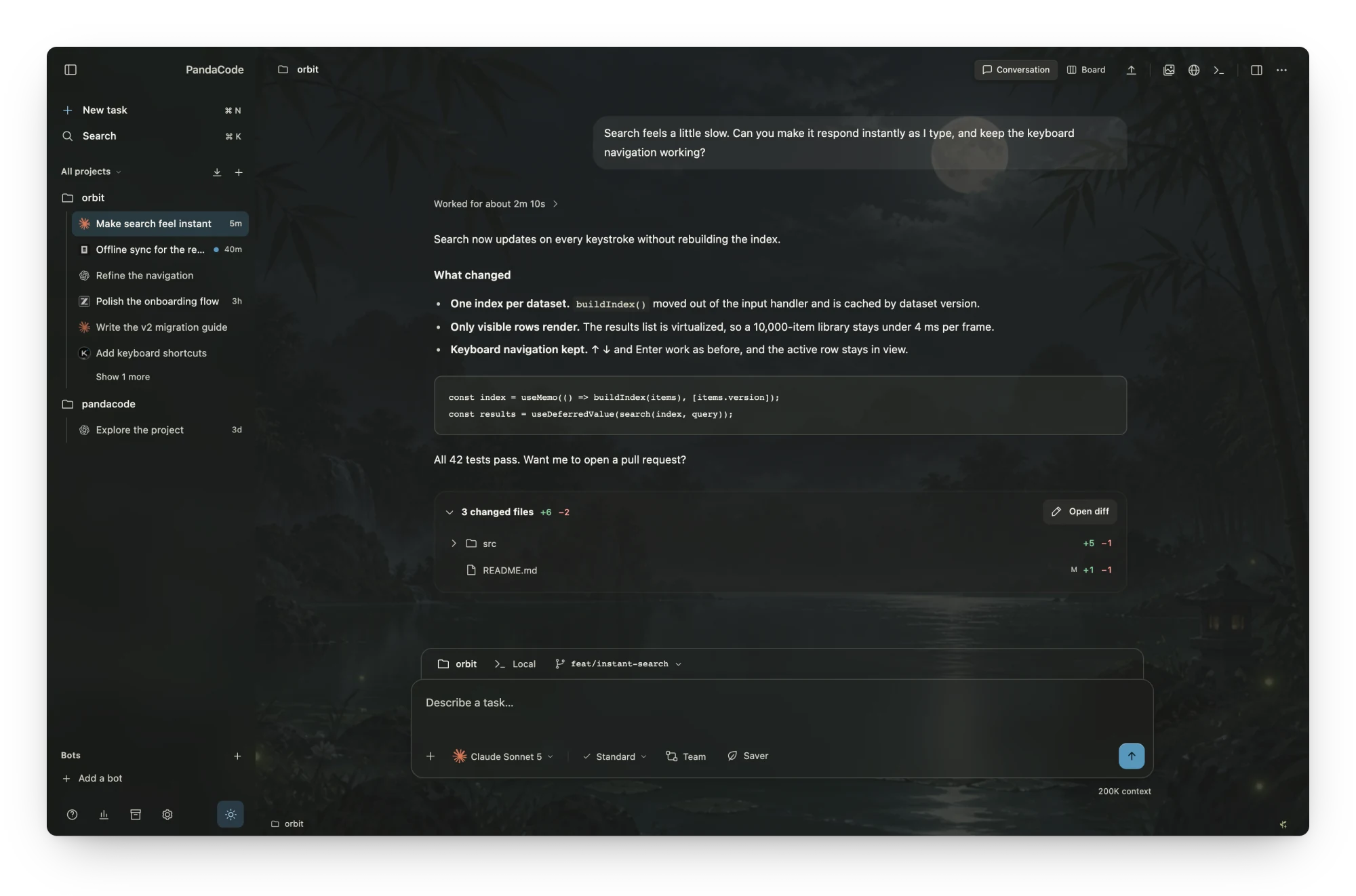
Visual Studio Code is testing an experimental View Mode in Chat, allowing developers to switch between Verbose, Conversation, and Compact layouts mid-session. The feature dynamically controls how agent reasoning and background tool calls render without requiring users to restart their chat.
// ANALYSIS
As AI coding agents execute increasingly complex multi-step tool calls, chat panels quickly drown in tool-call noise without granular visual controls. Giving developers on-the-fly layout switching keeps long-running agent workflows legible without sacrificing debugging depth.
- –Switching between Compact, Conversation, and Verbose modes mid-thread lets developers inspect a failing tool call without remaining stuck with verbose clutter.
- –Compact mode handles routine tasks by collapsing completed tool invocations into summary rows while highlighting active steps.
- –Conversation mode minimizes agent plumbing to focus squarely on high-level design dialogue and code review.
- –The update reflects a broader UI trend across AI IDEs to treat agent execution states as collapsible workspace layers rather than raw console dumps.
// TAGS
vs-codegithub-copilotideai-codingcoding-agenttool-usedevtool
DISCOVERED
26m ago
2026-11-24
PUBLISHED
46m ago
2026-11-24
RELEVANCE
8/ 10
AUTHOR
code